✈ TravelMate
✈ TravelMateYOUR JOURNEY, YOUR WAY

A Little Journey A.M & K.A.S

Explore more. Worry less.

Created by Adilah Mualim

🌏 Choose Country → State → Places

Choose a region, then search real places with Google Places. Suggested names are examples only; nothing is added until you select it.

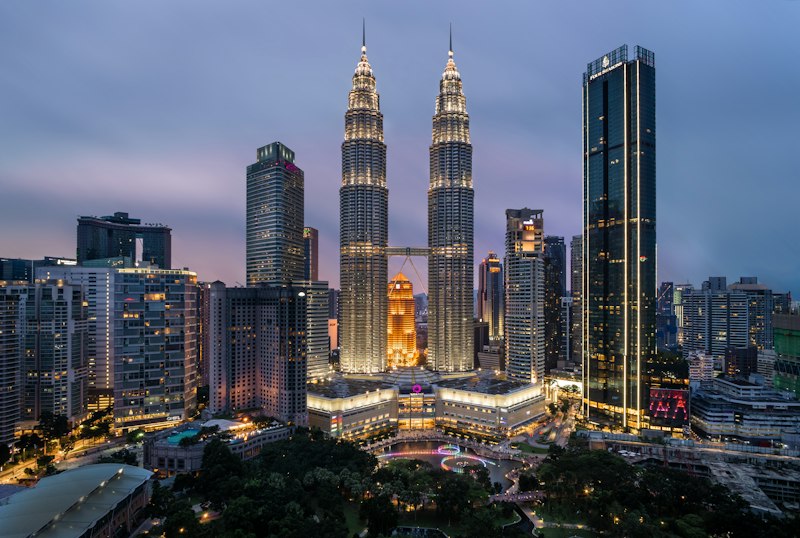
Selected country landscape
COUNTRYMalaysia
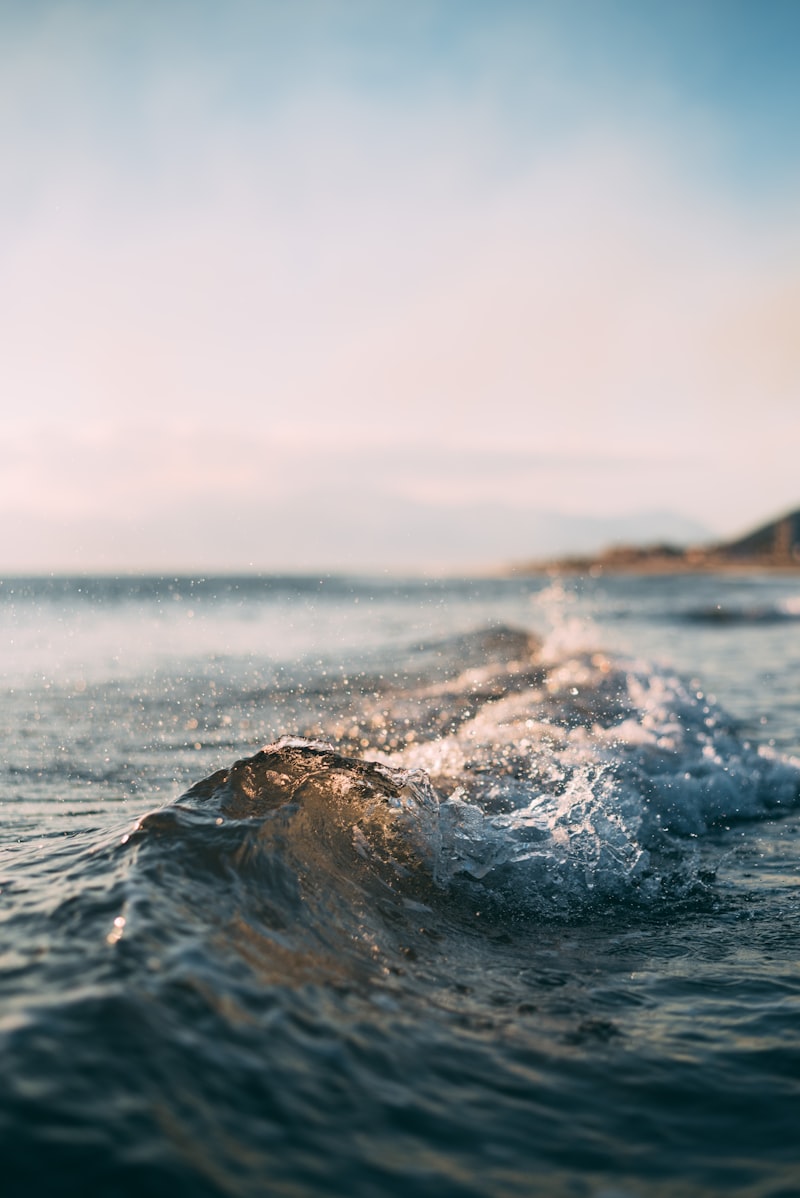
Selected region landscape
STATE / REGIONTerengganu

Destination photos are illustrative. Search Google Places to add actual attractions, hotels and restaurants.

Google Places search is available in the Stays & Food tab. Search results can be added to your itinerary and gallery.

My Travel Gallery

Your places to visit, hotels and restaurants — added by you.

Add a Place to Visit

Tip: Paste a direct public image URL, or leave it empty for a photo placeholder.

Explore destination on Google Maps ↗

Daily Travel Itinerary

Add Activity

Budget Overview · MYR

Total Budget
Spent

Budget used

Remaining

Add Expense

Expense History

Packing & Preparation Checklist

Quick Add Checklist Suggestions

Tap any suggestion to add it to your checklist. Items already added are marked as Added.

Others — Custom Checklist Item

Can't find what you need? Type it here.

Google Places Search

Search restaurants, hotels, cafes and attractions. Select a result to save its photo and location and add it to your itinerary.

Search results and photos require a configured Google Maps Platform API key. Google services may incur charges.

Find Hotels & Restaurants

Search results open in Google Maps. Live prices and bookings are not integrated.

Save Hotel or Restaurant

Saved Places

Smart Route Planner

Choose a travel date. Places added from Google search with coordinates will appear here. Arrange the first and last stops, then optimize the middle stops for a more efficient route.

Google Routes optimizes the middle stops only. The first and last stay fixed. Scheduled activity times are not automatically recalculated; review your itinerary after optimization.

🎬 Travel Story — Animated Journey

Choose between stylized 3D Map, a cinematic reference-matched coastal preview, and 2D Map. Cinematic preview uses an integrated image rather than a real 3D road simulation.
Map tiles © OpenStreetMap contributors. Route replay connects stops in their scheduled order; use Smart Routes to optimize road travel separately. Save Story Image captures the 3D scene as a PNG. MP4 video export is not included.

Share Your Adventure

Copy a text summary, send it via WhatsApp, or download your trip data as a JSON backup.

Shared summaries are snapshots. This version does not support live collaborative editing.